
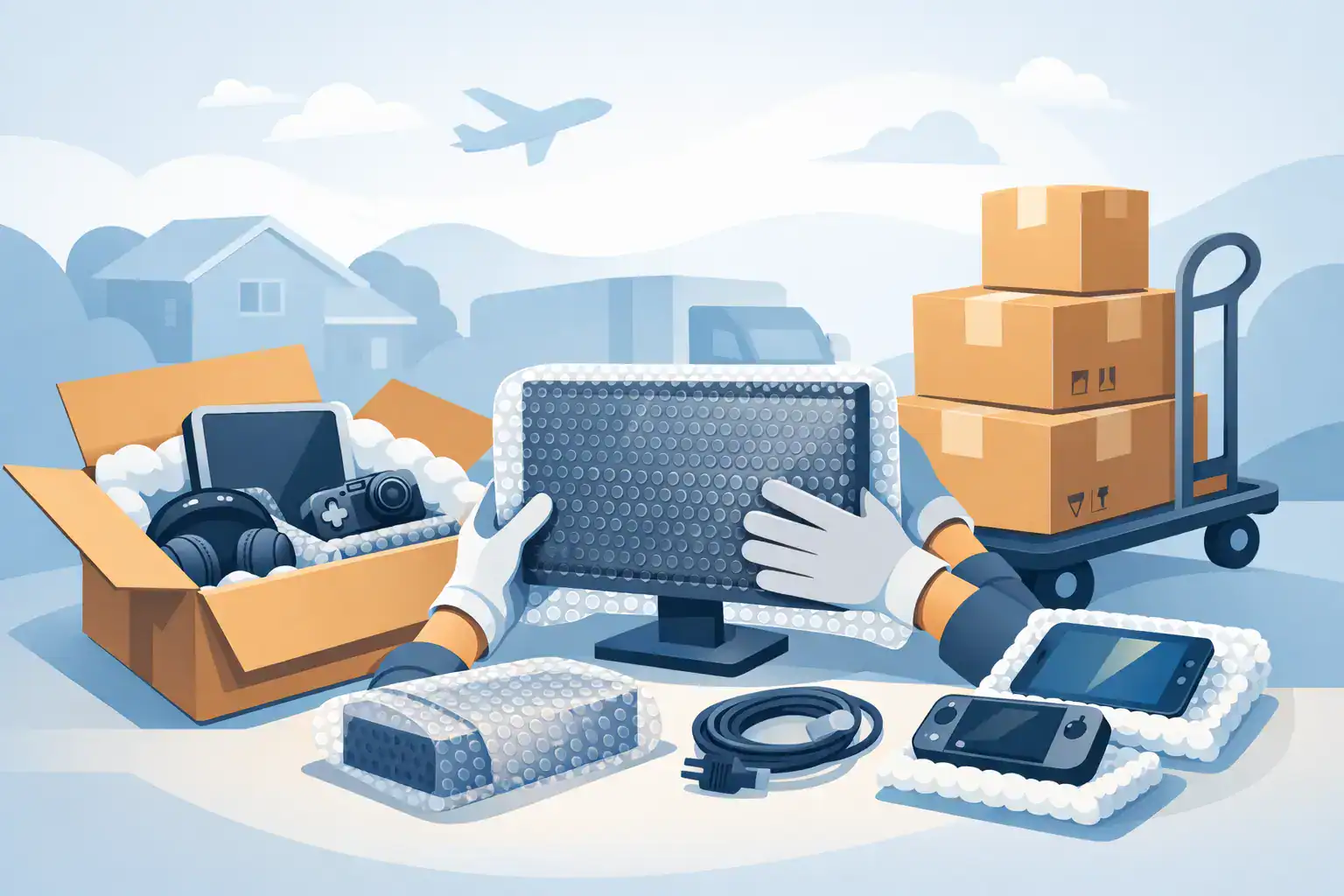
That expensive TV with the thin screen, the desktop with years of files on it, the office phones that need to work on day one – electronics are often the part of a move people underestimate until something cracks, overheats, or refuses to power back on. The best way to move electronics is not just wrapping them up and hoping for the best. It is a combination of prep, proper packing, careful loading, and realistic planning for setup at the other end.
For households, that usually means protecting high-value items and avoiding a frustrating first night without internet, chargers, or a working TV. For businesses, the stakes are higher. One damaged monitor or poorly packed server can turn moving day into downtime, lost productivity, and expensive replacement costs.
What the best way to move electronics actually looks like
The safest approach starts before a single cord gets unplugged. Electronics do not fail only because they get dropped. They also get damaged by static, loose movement inside a box, pressure from heavier items, temperature swings, and rushed reinstallation.
That is why the best way to move electronics is to treat them by category rather than as one big group. A gaming console is not packed like a wall-mounted TV. A family desktop is not handled like office networking equipment. The common rule is simple – protect the data first, protect the hardware second, and make setup easier for yourself later.
If you still have the original boxes with foam inserts, use them. They are usually the best fit for TVs, monitors, speakers, and desktop towers. If you do not, you need sturdy cartons, anti-static materials where appropriate, padding that keeps the item from shifting, and clear labels so boxes do not end up under lamps, books, or kitchen gear.
Start with backup and documentation
Before packing, back up anything that matters. That includes desktop computers, laptops, tablets, external hard drives, and business workstations. Hardware can often be replaced. Photos, tax files, customer records, and internal documents are harder to recover.
This step gets skipped because people assume careful movers eliminate all risk. Good handling lowers risk, but backup is still the right call. If you are moving a home office or business operation, create a quick inventory with device names, serial numbers, and where each item belongs in the new space.
Photos help more than most people expect. Take pictures of cable routing behind desks, TVs, routers, printers, and conference equipment. When it is time to reconnect everything, those images save time and prevent guesswork.
How to pack electronics without creating new problems
A common mistake is overwrapping everything in whatever soft material is nearby. Soft does not always mean safe. Blankets can work as outer protection, but some electronics need anti-static bags, rigid support, and padding that prevents movement rather than just covering the surface.
Computers and laptops
Shut devices down fully. Remove accessories, unplug cables, and pack cords separately in labeled bags. For desktop towers, secure any loose internal components if the machine has been modified. Hard drives, graphics cards, and cooling parts can shift during transport if the system is not stable.
Laptops should go in padded sleeves or snug boxes, not loose tote bins where they can slide around. If you are moving several devices, separate them with firm padding so screens and casings do not knock into each other.
TVs and monitors
Flat screens need rigid protection more than thick wrapping. The screen should never carry pressure from other items. Use a box sized for the unit, with foam or structured padding around the edges. If no TV box is available, specialty cartons made for screens are worth it.
Never lay a large TV flat under other items in the truck. Upright placement is usually safer, with secure bracing so it cannot tip or flex in transit.
Printers, game systems, and small electronics
Remove ink cartridges if the manufacturer recommends it. Take batteries out of remotes and accessories when practical. Consoles, modems, routers, and streaming devices should be packed with their cords labeled clearly. A five-minute labeling job before the move can save an hour of sorting later.
For smaller electronics, avoid oversized boxes. Extra empty space invites shifting, and shifting is where damage starts.
The loading stage is where a lot of damage happens
You can pack electronics well and still lose the job during loading. Boxes get stacked incorrectly, loose items slide in transit, and fragile devices end up sharing space with heavier household goods or office equipment.
This is where process matters. Electronics should be loaded in a stable area of the truck, protected from crush pressure, and separated from items that can shift. Moving pads help, but they are only part of the picture. Floor runners, wrap, and proper load planning all work together to keep cargo from moving when the truck stops, turns, or hits rough pavement.
For office moves, loading order matters just as much as protection. If workstations, monitors, phones, and networking gear are packed without a setup plan, the move-in gets messy fast. A professional crew will think beyond transport and stage items so unpacking follows the right sequence.
It depends on the item and the distance
Not every move requires the same level of preparation. If you are carrying a laptop and a router across town in your own vehicle, the process is fairly simple. If you are moving multiple TVs, desktop workstations, a home office, or a full business setup, the risk profile changes.
Longer moves increase exposure to vibration, weather, and repeated handling. Larger electronics require more structure and more labor. High-value or business-critical equipment often justifies professional packing because one damaged device can erase any money saved by cutting corners.
There is also a practical question of downtime. Homeowners usually want the essentials working quickly. Businesses often need phones, computers, and internet-dependent equipment restored on a schedule. In those cases, the best way to move electronics includes planning where each item lands, who reconnects it, and what gets unpacked first.
When professional movers make the most sense
If your move includes fragile screens, multiple workstations, specialized equipment, or heavy-value loads, hiring trained movers is often the safer option. Not because every electronic item is impossible to move yourself, but because the margin for error gets small fast.
A professional team should bring more than labor. They should bring the right supplies, a clear handling process, and the operational discipline to protect property from pickup to placement. That includes secure packing methods, truck organization, and crews who understand that electronics are not just boxes – they are tools people rely on immediately after the move.
For commercial clients, this matters even more. Office moves are about continuity. A licensed and insured mover with WSIB-certified crews, proper equipment, and enough truck capacity to handle the job in an organized way can reduce risk on both the asset side and the scheduling side. That is a major reason companies choose a full-service provider instead of trying to cobble together labor, vehicles, and packing materials on their own.
Common mistakes that cost people money
The most expensive mistakes are usually boring ones. People forget to back up files. They toss cords into one random box. They use oversized cartons with not enough internal support. They place monitors under framed art or stack boxes on a TV because it looks stable for the moment.
Another issue is rushing disconnection. If cables are pulled quickly, ports can bend or accessories can be left behind. That is especially common with internet equipment, security systems, and office setups where several devices are connected together.
Then there is temperature. Electronics should not sit for long periods in extreme heat or cold if you can avoid it. After transport, let devices reach room temperature before powering them on, especially if they were moved during winter or summer extremes.
The best way to move electronics on moving day
Keep a small essentials set with you rather than on the truck. That usually includes phones, laptops, chargers, external drives, medication-related devices, and anything you cannot afford to lose access to for a day. For businesses, that may also include critical records, backup drives, or key networking components.
Everything else should be packed, labeled, and loaded with intention. At Baker Home Solutions, that kind of planning is what keeps moves on schedule and reduces the kind of avoidable damage that happens when electronics are treated like general cargo.
If you want the move to feel easier at the other end, think past the drive itself. Pack electronics so they can be unpacked in the order you will actually use them. That one decision saves time, lowers stress, and gives your equipment a better chance of arriving exactly the way it left.