
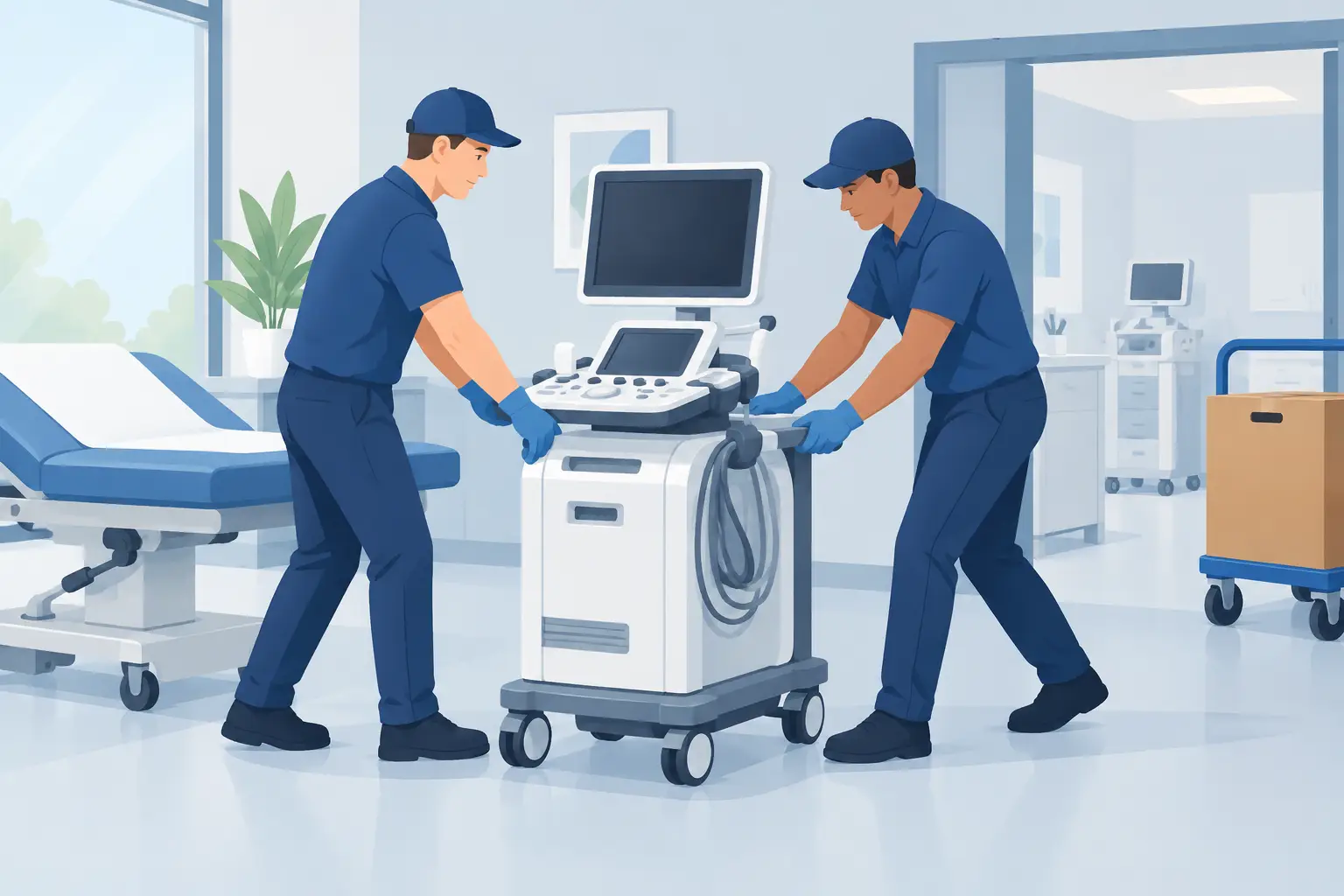
A medical office move is not a standard office move with a few extra boxes. When relocating medical office equipment, one damaged exam table, disconnected workstation, or missing accessory can delay appointments, frustrate staff, and affect patient care. The goal is not simply to get everything into the new space. It is to protect valuable assets, maintain clear accountability, and reopen with as little disruption as possible.
That takes a moving plan built around the equipment, the facility layout, and the order in which your team needs to get back to work. Careful packing, trained crews, proper floor protection, and a realistic timeline all matter.
Start With an Equipment Inventory
Before anyone starts packing, walk through every room with the people who use the equipment daily. Office managers know where the computers are, but nurses, technicians, and clinicians often know which parts are essential, which units are sensitive, and what must remain accessible until the final day.
Create an inventory that identifies each item, its current location, destination room, condition, and any special handling instructions. Include serial numbers where appropriate, especially for computers, monitors, imaging accessories, specialty chairs, exam tables, refrigerators, and diagnostic equipment. Photos taken before the move provide a simple record of condition and make setup easier at the new office.
Your inventory should also separate equipment by responsibility. Some items can be moved by a professional moving crew. Other devices may need disconnection, calibration, transport, or recommissioning by the manufacturer, a biomedical technician, or a qualified vendor. A mover should never guess how to prepare a device that has clinical, electrical, or manufacturer-specific requirements.
Know What Your Moving Crew Can Handle
Medical offices contain a mix of ordinary commercial furniture and highly specialized assets. Desks, waiting-room furniture, file cabinets, shelving, boxed supplies, and many exam tables can often be handled through professional packing, padding, secure loading, and careful placement.
Devices that contain sensitive electronics, regulated materials, liquids, radiation components, compressed gas, or manufacturer-controlled parts require another layer of planning. That may include vendor instructions, specialty crating, temperature controls, certified technicians, or separate transportation. The right answer depends on the equipment, its warranty requirements, and applicable local regulations.
This division of responsibility protects everyone involved. A professional mover can manage the physical logistics while your vendors handle the technical work they are qualified to perform. Trying to force one provider to do both without the required expertise can create unnecessary risk.
Build the Move Around Patient Downtime
The best moving date is not always the first available date. It is the date that gives your office enough time to prepare while keeping patient disruption manageable. For some practices, that means moving over a weekend. For others, a phased move works better, with administrative functions relocating first and clinical rooms following once the new location is ready.
Start by identifying what must be operational on day one. Phones, internet service, patient scheduling access, payment systems, staff workstations, and basic exam-room furniture are usually high on the list. If your practice uses a server, confirm whether it will be moved, replaced, or supported remotely during the transition.
A practical sequence is to prepare the new site first, move nonessential items next, and leave active-use equipment until the final move window. This prevents a common problem: arriving at the new office with equipment but no clear rooms, power access, network connection, or staff direction.
Prepare Each Room Before Moving Day
A floor plan is one of the most useful tools in a medical office relocation. It does not need to be elaborate. It needs room names, major furniture locations, equipment destinations, and clear pathways for the crew. Label rooms at both locations so boxes and furniture do not end up in the wrong area.
Confirm elevator access, loading entrances, parking permissions, door widths, hallway turns, and floor protection requirements before moving day. A large exam table may fit through a building entrance but not through an interior doorway. A heavy storage unit may require a different route than a rolling cart. These details are much easier to solve during a walkthrough than when a truck is waiting outside.
A professional moving company should also plan to protect the property. Floor runners, moving pads, shrink wrap, and appropriate dollies help protect furniture, equipment, walls, floors, and elevators. For heavy or awkward pieces, the crew needs the right tools and enough trained hands to control the load safely.
Pack for Fast, Accurate Setup
Packing medical office contents is about more than preventing breakage. It is about making the unpacking process predictable. Pack by room and function whenever possible. Keep supplies for each exam room together, label the destination clearly, and avoid mixing unrelated items simply because there is space left in a box.
Use sturdy boxes for records, office supplies, and smaller equipment. Protect monitors, printers, and electronic accessories with padding and secure them so they cannot shift. Cables, power adapters, remotes, and mounting hardware should be bagged, labeled, and kept with the item they support. A monitor that arrives safely is still not useful if its power supply is buried in an unmarked box.
For a larger relocation, label boxes with the room name, box number, and priority level. “Open First” labels are useful for front-desk supplies, cleaning materials, basic IT accessories, and items needed for the first morning of operations. Keep confidential files and sensitive documents under direct control with a designated staff member or approved records partner.
Plan for Heavy Equipment and Tight Access
Weight is only one part of the challenge. Size, balance, fragility, and access conditions all affect how equipment should be moved. A heavy exam table may be manageable with the correct equipment and route. A similarly sized diagnostic unit may need manufacturer-approved handling because vibration, tilt, or impact could affect performance.
This is where an in-person estimate earns its value. A walk-through allows the moving team to evaluate loading conditions, trailer or truck requirements, staffing levels, and the tools needed for the job. It also gives you a chance to point out equipment that cannot be stacked, tipped, exposed to temperature changes, or left unattended.
Do not rely on a vague phone description for a move involving heavy medical furniture or specialty equipment. Clear information upfront leads to a more accurate quote, a better-equipped crew, and fewer surprises on moving day.
Assign One Decision-Maker on Each Side
Medical office moves have many moving parts, and small questions can stop a crew quickly. Which room gets the extra cabinet? Can the filing unit go against that wall? Where should unopened supply boxes be staged? If nobody has authority to answer, the schedule slips.
Assign one point person at the current office and one at the new location. They should have the floor plan, inventory, contact numbers, access instructions, and authority to make placement decisions. They do not need to carry boxes or supervise every item. Their job is to keep decisions moving and ensure the crew has clear direction.
If your practice has multiple departments, appoint a department lead for each area. That gives staff a reliable person to ask about clinical supplies, administrative records, IT equipment, and break-room items without pulling the main coordinator in every direction.
Choose a Mover With a Documented Process
Price matters, but the lowest quote is not always the lowest-risk option. When relocating medical office equipment, ask how the mover handles packing, property protection, loading, equipment placement, and claims procedures. Confirm that the company is licensed and insured, uses trained uniformed crews, and can provide the capacity required for your schedule.
Look for operational details, not vague promises. A prepared commercial mover should be able to explain its truck and trailer capacity, protective materials, heavy-item equipment, staffing plan, and expected timeline. They should also be comfortable coordinating with your IT provider, building manager, and specialty equipment vendors.
Baker Home Solutions approaches commercial moves with that kind of preparation: careful packing, protected transport, capable crews, and a focus on getting your business set up without unnecessary downtime.
Before move day, conduct one final walkthrough with your team and your mover. Confirm the route, the loading area, the priority items, and the items that will be handled by outside vendors. A few minutes of clear planning at the door can protect weeks of scheduling, equipment investment, and patient trust.